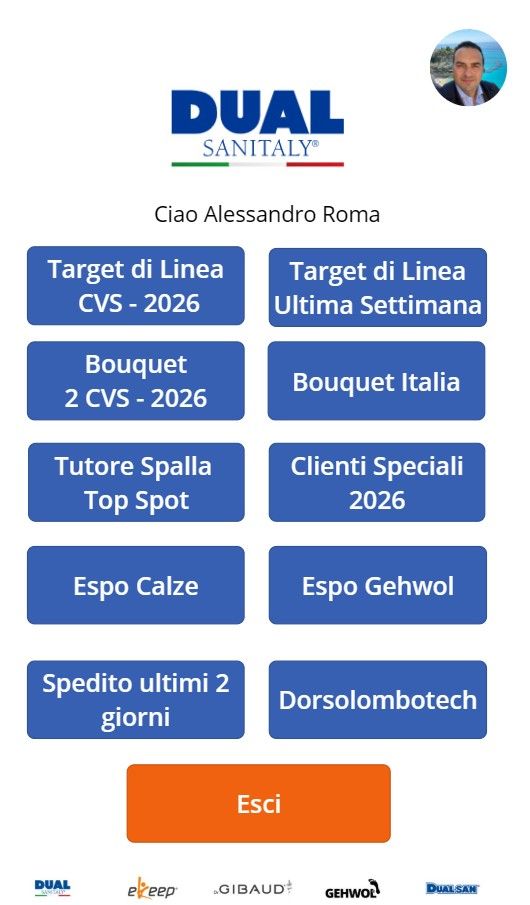
In recent months I've been using Power BI and Power Apps more and more in managing the sales network. Not to follow a trend, but because I had a concrete problem: area meetings were taking too long and producing too little.
The pattern was always the same. I'd sit down with the agents, we'd open the company data — PDF reports, Excel spreadsheets, sometimes something printed — and spend the first 40 minutes trying to understand "how we were doing". Only then did we start talking about what to do. And by that point, the energy had already dropped.
The real problem: the data existed but was inaccessible
Data wasn't missing. The company system recorded everything: dispatched orders, active clients, product line penetration. The problem was that turning that data into useful information required work. Someone had to export, consolidate, format. Usually me, the evening before the meeting, in Excel.
Result: last night's data presented this morning, on a network that moves every hour. And me wasting 2–3 hours a week preparing materials that became obsolete the moment I printed them.
"A sales meeting where you spend more time looking at data than deciding is a meeting that doesn't work."
How I built the report
The main dashboard is split into two levels. The first is a summary table — what I call "Weekly dispatched" — with four columns for each product line: Line, Target, Dispatched, Achievement percentage. One row per line, conditional colours: green above 100%, yellow between 80% and 100%, red below 80%.
At a glance, anyone in the meeting can see where we stand. Week 14 of 16 of the period shows the total area: 6,887 dispatched against 6,874 target, 100.2%. Individual lines tell different stories: some are at 130%, some at 43%. Those differences drive the conversation.
The second level: agent detail
One click on any row opens the agent view. Same structure, but filtered for the single territory. In individual meetings this is the starting point: not "how's it going in general" but "how are you doing, on this line, this week".
Area view → table by line with Target / Dispatched / %. Agent view → same table filtered by territory. Client view → top 10 by line, with trend over last 4 periods. All updated automatically every night, no manual intervention.
Impact on meetings
The first meeting with the dashboard active lasted 35 minutes. They usually ran 75. Not because we did less — we did more. But the time to "understand the numbers" dropped to zero: everyone had already seen them before sitting down, from their phone, in their personal Power Apps report.
The most important change wasn't the time saved. It was the type of conversation. Before we discussed what had happened. Now we discuss what to do. It's a subtle difference but it changes everything: the tone, the motivation, the quality of decisions.
What you need to replicate it
Technically: Power BI Desktop (free), an accessible data source (in my case SharePoint + automatically consolidated Excel files), and a Power BI Pro licence to share reports with the network. The monthly cost is less than one working lunch per agent.
The hardest part isn't the technology. It's deciding which KPIs truly matter and having the courage to cut everything else. A dashboard with 20 metrics doesn't work. Mine has 6, and works precisely because of that.
If you manage a sales network and want to know how I set up the data model or which DAX measures I use for penetration calculations, write to me. I have no problem sharing what works.